Notes & FAQ
Search.
A TypeScript-based MCP server that connects AI assistants with a structured local knowledge base through simple, reusable tools.
Team Smart Search · NextFlows Academy
ABOUT THE PROJECT
Connecting AI with structured knowledge.
Notes & FAQ Search - Team Smart Search is a TypeScript-based Model Context Protocol server that provides AI assistants with access to a local knowledge base of notes and FAQ content. The system exposes structured tools for searching, listing, adding, updating, and deleting notes.
MCP TOOLS
Five tools. One simple interface.
The server provides a focused set of tools for managing structured notes through an AI-compatible interface.
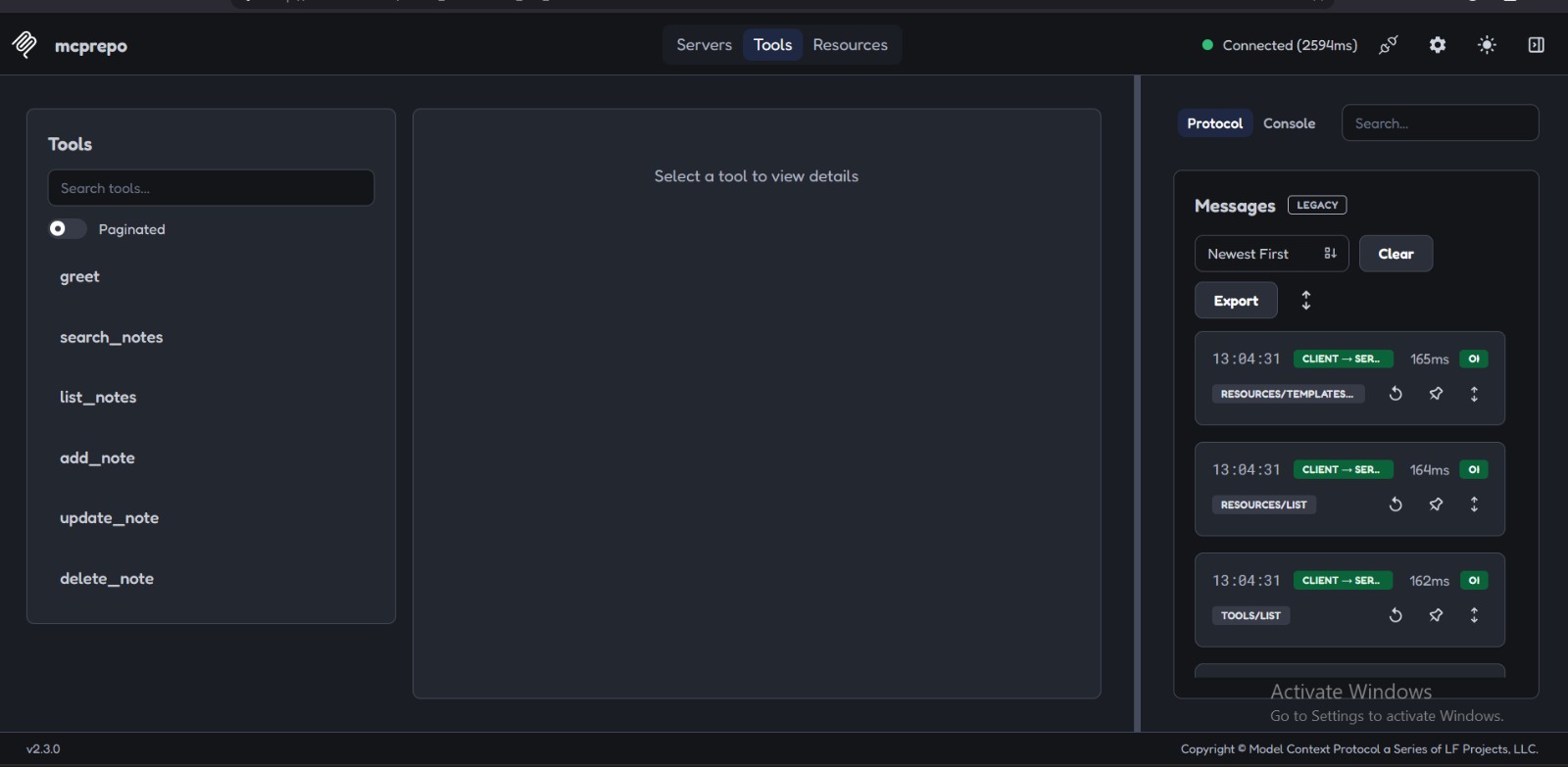
Search notes by title, category, or content.
View available notes from the local knowledge base.
Create and store a new note.
Update an existing note with new information.
Remove an existing note from the collection.
HOW IT WORKS
From AI request to local knowledge.
The server exposes structured tools that allow an AI client to interact with local notes through the Model Context Protocol.
PROJECT IN ACTION
See the MCP server in action.
Real examples of the Smart Search MCP server being used through an AI client and MCP Inspector.
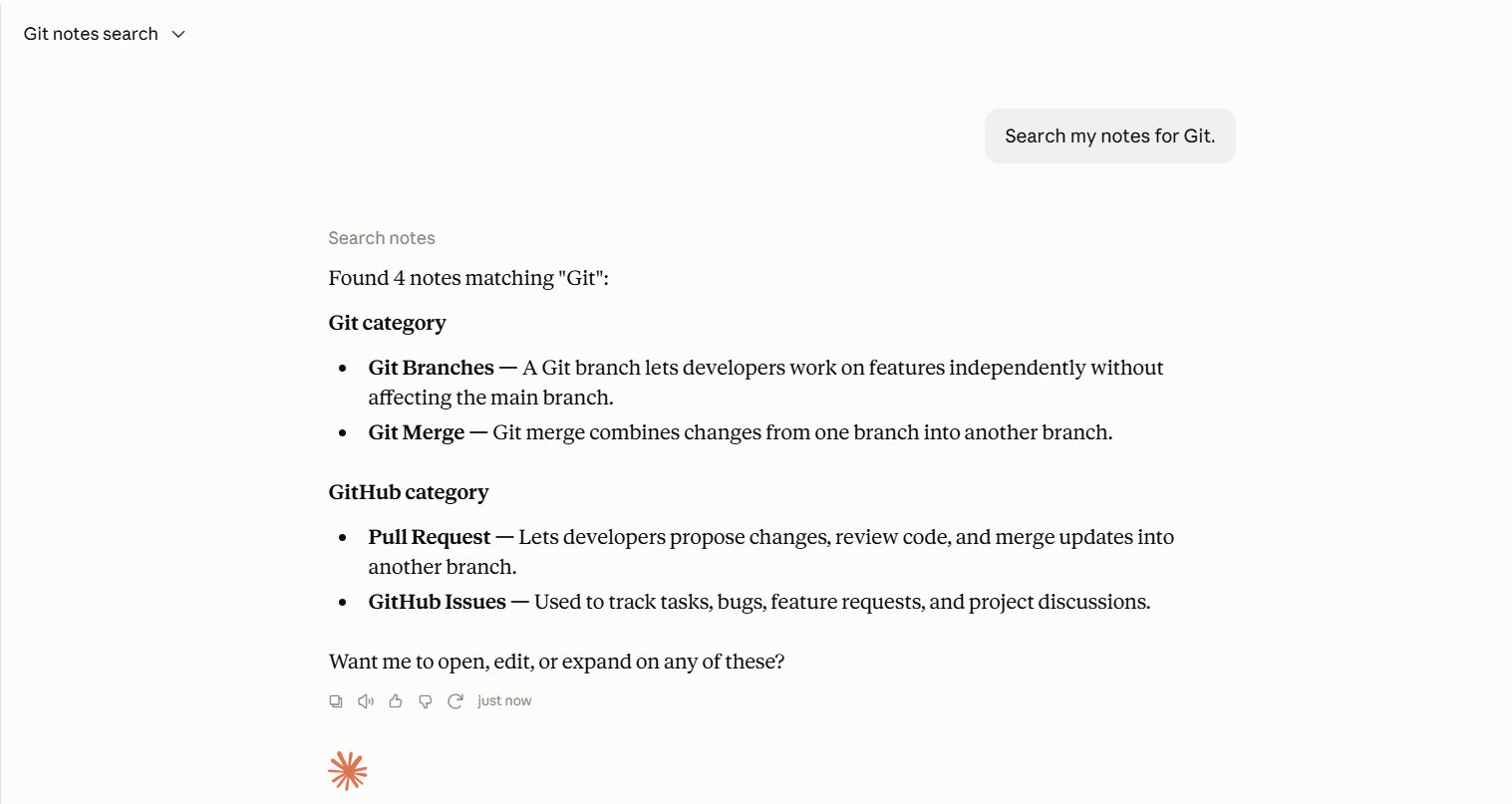
Search Notes
MCP ToolSearch the local knowledge base by keyword, category, or content.
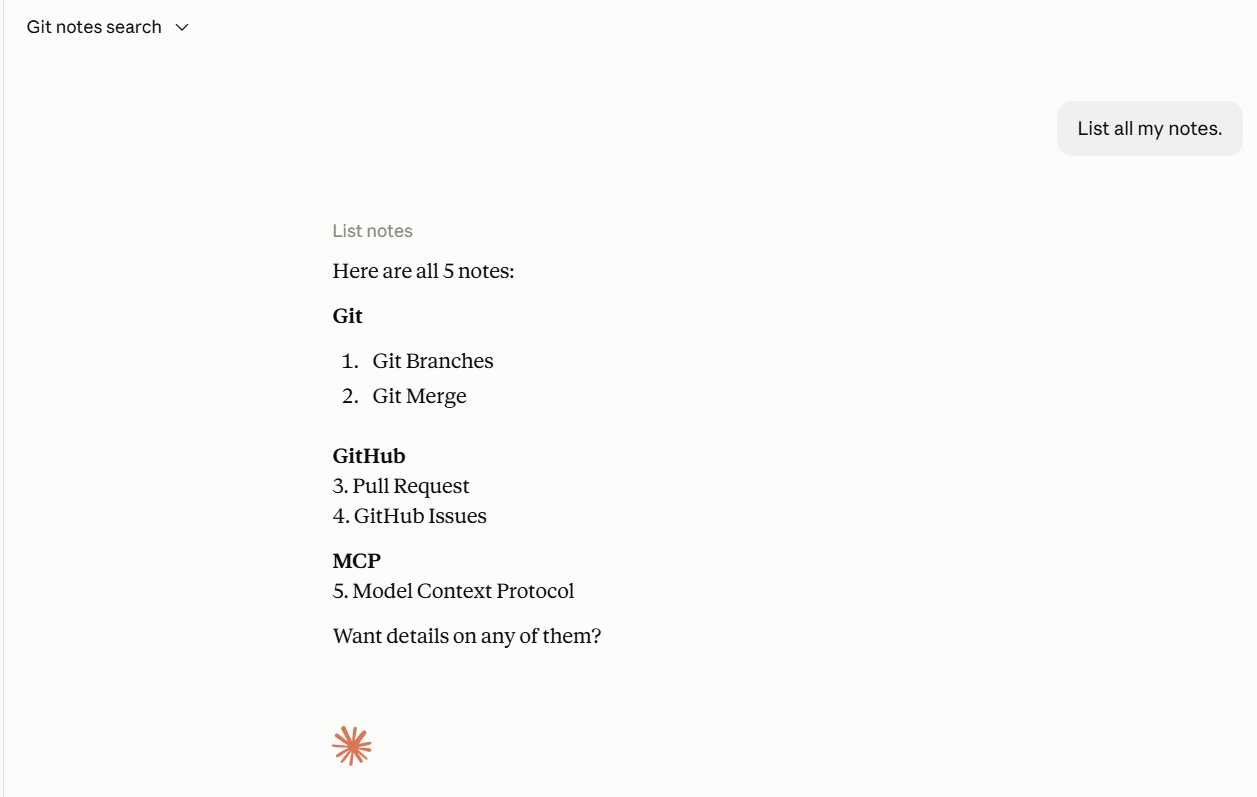
List Notes
MCP ToolRetrieve the available notes from the local collection.
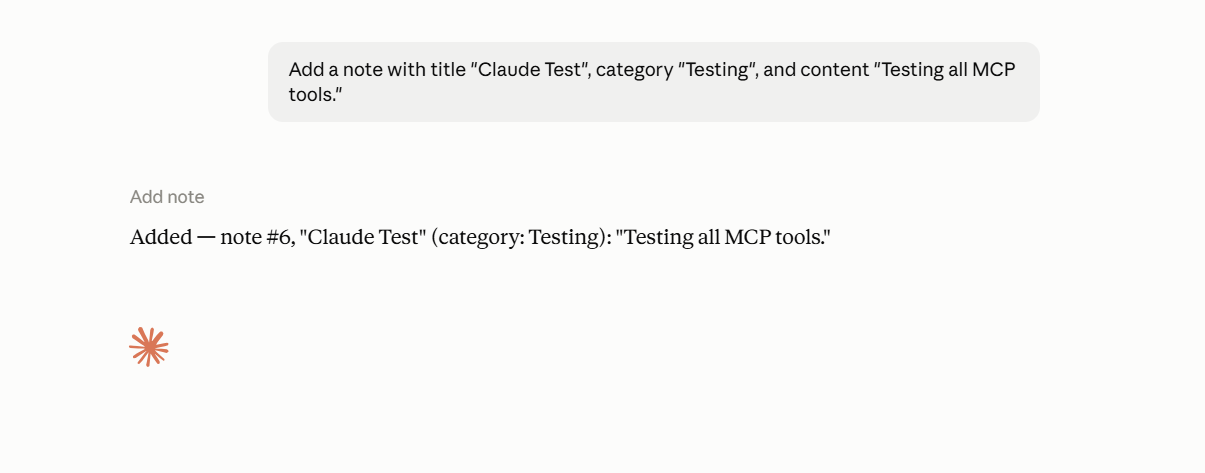
Add Note
MCP ToolCreate a new note with a title, category, and content.
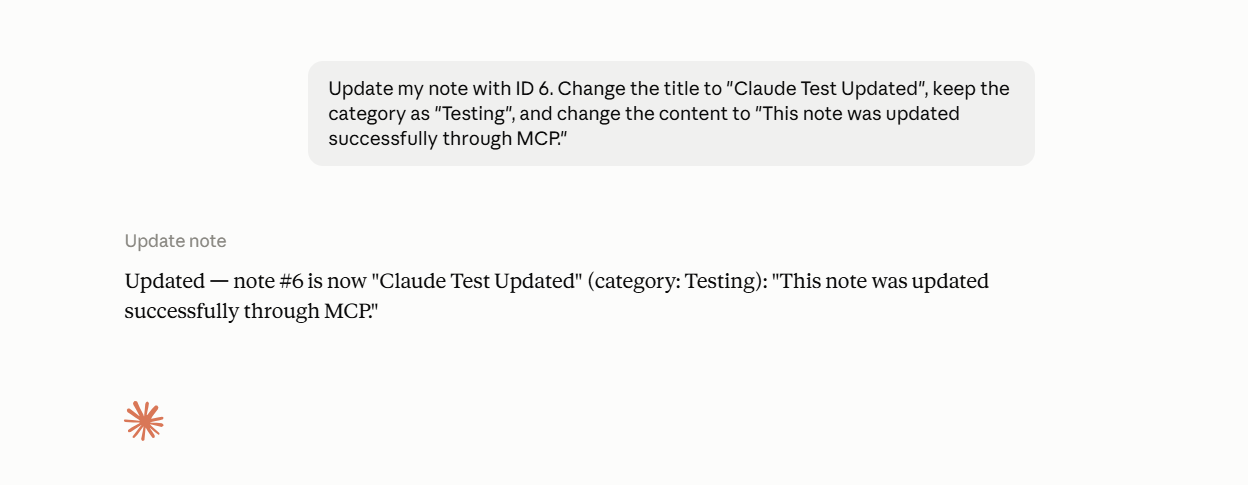
Update Note
MCP ToolModify an existing note through the MCP update tool.
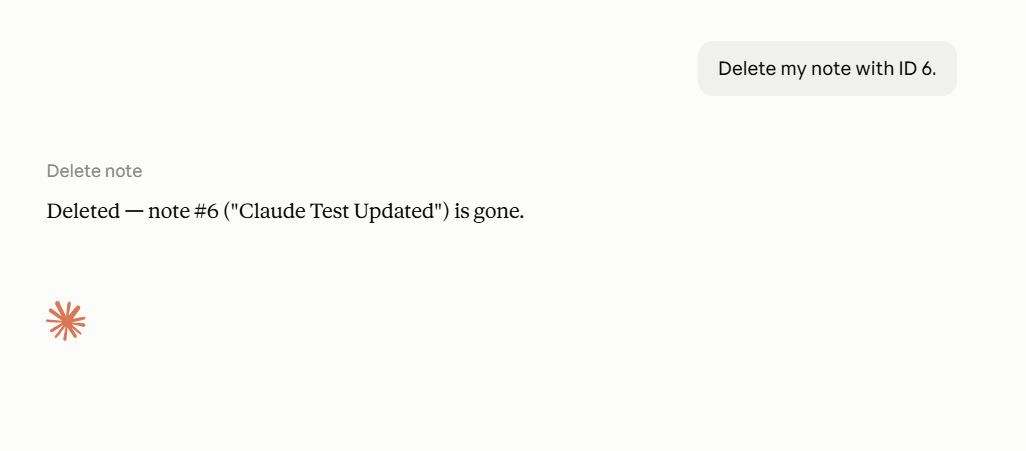
Delete Note
MCP ToolRemove an existing note using its numeric ID.
MCP Inspector
The MCP Inspector provides a direct view of the tools exposed by the server and helps verify their availability and behavior.
PROJECT RESULTS
Tested tools. Validated inputs. Documented workflow.
Tool Validation
Inputs are validated before note operations are executed, helping prevent invalid requests.
Automated Tests
Core note operations are covered by tests for successful operations and invalid note IDs.
MCP Integration
The tools were tested through an AI client connected to the MCP server.
THE TEAM
Team Smart Search.
A collaborative project developed as part of the NextFlows Academy program.
Nagham Halloum
Team Smart Search
Sereen Karakra
Team Smart Search
ACADEMY
Built with NextFlows Academy.
This project was developed as part of the NextFlows Academy program, applying practical concepts in AI integration, Model Context Protocol, tools, validation, testing, and documentation.
Visit NextFlows Academy ↗